
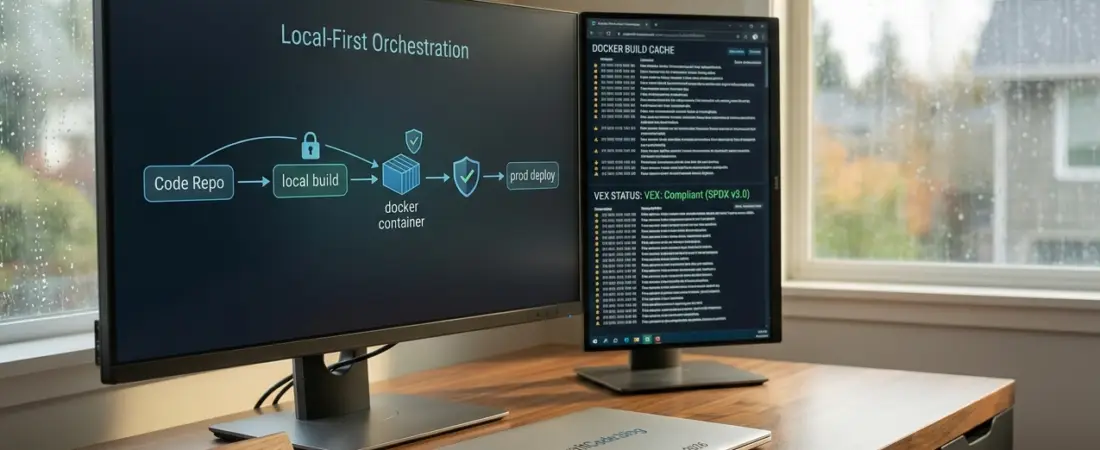
Killing Latency: Why I’m Moving Back to Local-First Development in 2026
I’ve spent the better part of the last decade chasing the “perfect” development environment. For a while, we were told the cloud was the final destination. “Just move your IDE to a browser,” they said. “Latency is a thing of the past.”
Well, it’s 2026, and I’m here to tell you: my fiber connection still hiccups, and waiting 500ms for a cursor to move in a remote container is a productivity killer I can no longer tolerate. That’s why I’ve pivoted my teams back to local-first development Docker Dev Containers. We aren’t going back to the “it works on my machine” chaos, though. We’re bringing the best of container orchestration right to our MacBooks and ThinkPads.
The Cloud Fatigue: Why Remote Isn’t Always the Answer
Don’t get me wrong, GitHub Codespaces and similar tools are engineering marvels. But in my experience, cloud fatigue is real. When you’re working on complex microservices, the cumulative lag of remote terminal sessions and the “cloud tax” of being tethered to a stable high-speed connection 24/7 starts to grate on you.
I’ve found that for high-velocity coding, nothing beats the snappiness of local silicon. The Local-first development Docker Dev Containers approach gives me that sub-millisecond feedback loop while keeping the environment strictly defined. It’s the autonomy of local dev with the discipline of the cloud.
Dev Containers Deep Dive: My 60-Second Onboarding Secret
Whenever a new engineer joins my team, I have one goal: they should be able to run git clone and have a fully functional, debug-ready environment in under a minute. No “installing version X of Python” or “tweaking PATH variables.”
I achieve this using a robust .devcontainer/devcontainer.json. Here is how I structure it for maximum Development environment consistency:
- Feature Modules: Instead of massive Dockerfiles, I use “Features” to layer in tools like AWS CLI, Terraform, or Node.js dynamically.
- Post-Create Commands: I use the
postCreateCommandproperty to automate database migrations ornpm installso the dev doesn’t have to think. - Customizations: I bake in our team’s VS Code extensions and linting rules directly into the JSON.
When I open a project in a VS Code Dev Containers tutorial style, the editor detects the configuration, builds the stack, and I’m ready to code. No friction, no excuses.
Docker Efficiency: Keeping Your Workflow Fast in 2026
If your dev container takes five minutes to build, you’ve already lost the battle. In 2026, optimizing Docker for local dev is about being surgical. Here is what I’m doing differently this year:
- Multi-stage Builds for Dev: I use a specific
developmentstage in my Dockerfile that includes compilers and headers, but I keep the base image as slim as possible (usually Alpine or a “distroless” variant for the final stage). - Persistent Volume Mounts: I always mount the
node_modulesortargetfolders as named volumes. This prevents the host OS from choking on the thousands of tiny files during file system syncing—a major performance boost on macOS. - BuildKit Cache: I leverage
--mount=type=cacheto ensure that subsequent builds don’t re-download the entire internet every time I add a dependency.
Consistency is King: Mirroring Production Locally
The ultimate win of a Docker development workflow 2026 is that my local container is, for all intents and purposes, the production container’s twin.
When I run a test locally, I’m running it against the same Linux kernel version, the same shared libraries, and the same environment variables that will exist in our CI/CD pipeline and eventually in our production EKS clusters. I’ve seen far too many “Senior” devs lose days to bugs that only appeared in production because they were using a different version of OpenSSL on their local machine.
Final Thoughts: The Spirit of the Code
At SpiritCode.blog, we believe the “spirit” of great engineering is found in the flow state. You can’t stay in flow if you’re fighting your tools or waiting for a remote server to catch up with your brain.
By mastering local-first development Docker Dev Containers, you reclaim your machine’s power without sacrificing the standardized environments that modern DevOps demands. It’s about being pragmatic, staying fast, and making sure the code you write at 2:00 AM in a coffee shop is exactly what goes live at 10:00 AM.
Are you sticking with Cloud IDEs, or are you feeling the pull back to local-first? I’d love to hear how you’re optimizing your .devcontainer files this year.