
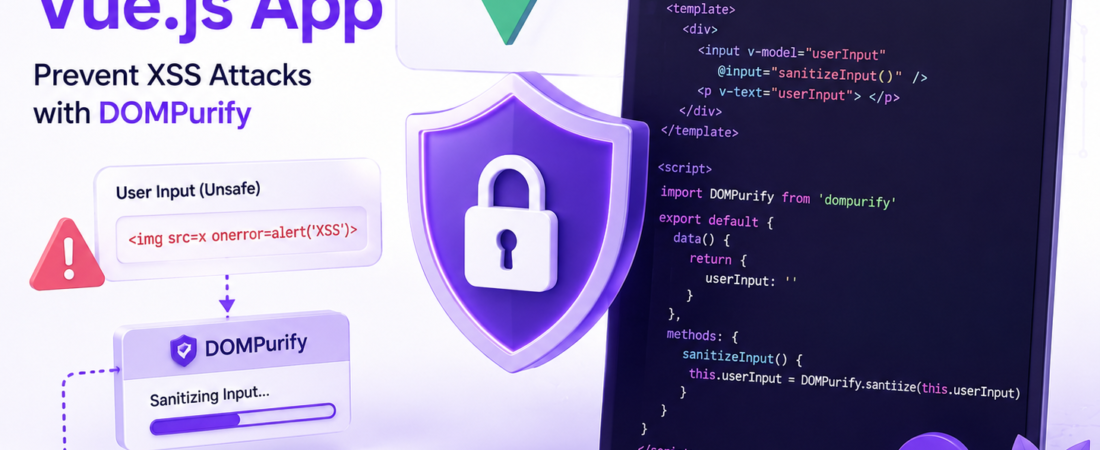
Learn how to prevent cross-site scripting attacks in Vue.js 2.6 using DOMPurify to sanitize user input
# Protecting against cross-site scripting attacks in Vue.js 2.6 using DOMPurify
I’ve worked on several Vue.js projects where security was a top priority. One of the common issues we faced was protecting against cross-site scripting (XSS) attacks. In this article, I’ll share my experience on how to prevent XSS attacks in Vue.js applications by sanitizing user input with DOMPurify.
## What are cross-site scripting attacks and how do they work?
Cross-site scripting (XSS) attacks occur when an attacker injects malicious code into a website, which is then executed by the user’s browser. This can happen when user input is not properly sanitized, allowing an attacker to inject malicious code.
## How can I prevent XSS attacks in my Vue.js application?
To prevent XSS attacks in your Vue.js application, you need to sanitize user input. One popular library for sanitizing user input is DOMPurify. Here’s an example of how to use DOMPurify to sanitize user input in a Vue.js application:
“`javascript
import DOMPurify from ‘dompurify’
export default {
data() {
return {
userInput: ”
}
},
methods: {
sanitizeInput() {
this.userInput = DOMPurify.sanitize(this.userInput)
}
}
}
“`
> **Pro Tip:** Always sanitize user input on the server-side as well, even if you’re sanitizing it on the client-side. This ensures that your application is secure even if an attacker is able to bypass client-side sanitization.
## What are some best practices for using DOMPurify to prevent XSS attacks?
Here are some best practices for using DOMPurify to prevent XSS attacks:
* Always sanitize user input before rendering it to the DOM
* Use the `DOMPurify.sanitize()` method to sanitize user input
* Avoid using the `v-html` directive to render user input, as it can bypass sanitization
* Use the `v-text` directive instead of `v-html` to render user input
“`javascript
<template>
<div>
<input v-model=’userInput’ @input=’sanitizeInput()’>
<p v-text=’userInput’></p>
</div>
</template>
“`
> **Pro Tip:** Keep your DOMPurify library up to date to ensure you have the latest security patches.
## FAQ
## What is DOMPurify and how does it work?
DOMPurify is a JavaScript library that sanitizes user input to prevent XSS attacks. It works by removing malicious code from user input, allowing only safe HTML tags and attributes.
## How do I install DOMPurify in my Vue.js project?
You can install DOMPurify in your Vue.js project using npm or yarn. Run the command `npm install dompurify` or `yarn add dompurify` to install DOMPurify.
## Can I use DOMPurify with other front-end frameworks?
Yes, DOMPurify can be used with other front-end frameworks such as React and Angular.
## What are some common XSS attack vectors?
Common XSS attack vectors include user input forms, URL parameters, and cookies.
## How often should I update DOMPurify?
You should update DOMPurify regularly to ensure you have the latest security patches.
In conclusion, protecting against cross-site scripting attacks in Vue.js 2.6 using DOMPurify is an effective way to prevent XSS attacks in your application. By sanitizing user input with DOMPurify, you can ensure that your application is secure and protected against malicious attacks. Stay tuned to SpiritCode for more articles on how to secure your Vue.js applications.